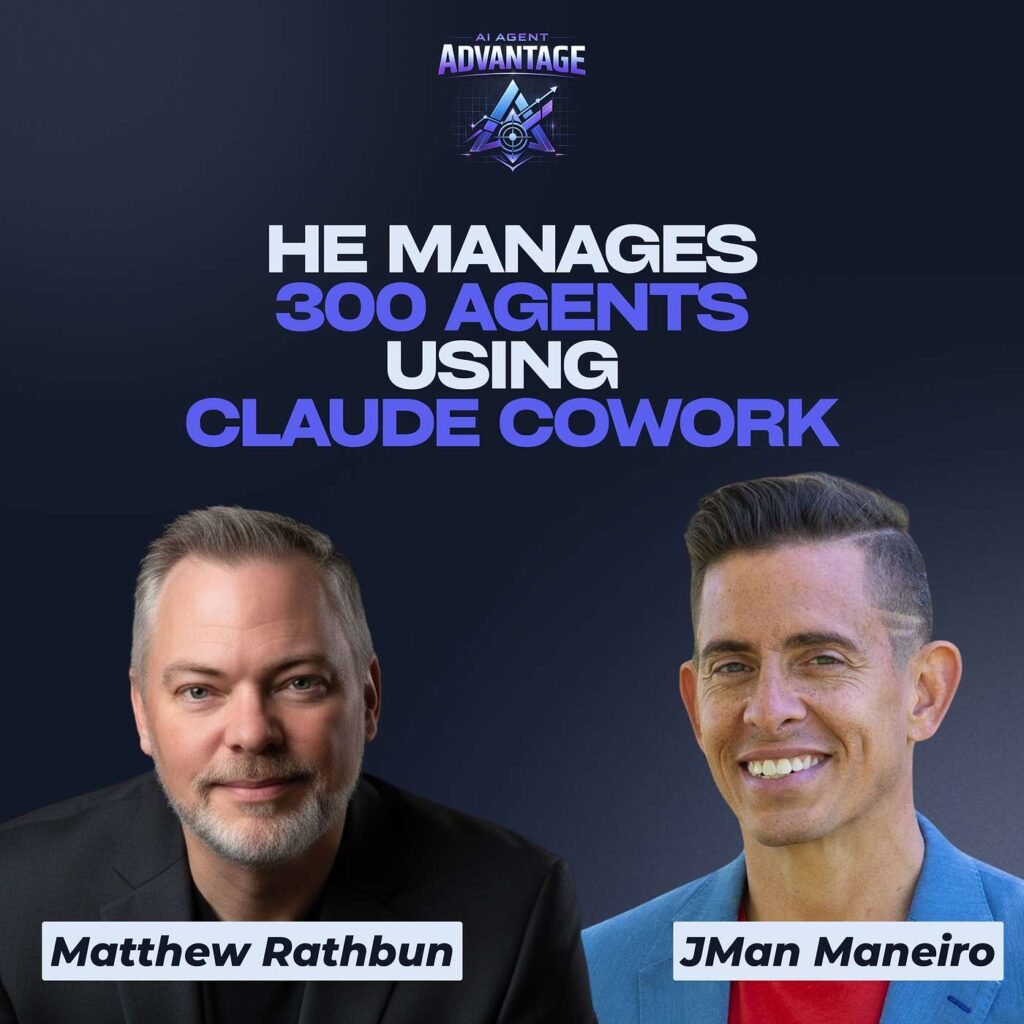
Most real estate agents downloaded ChatGPT, asked it a few questions, and never went further. Matthew Rathbun went the other direction. As Executive Vice President at Coldwell Banker Elite, a licensed broker across DC, Maryland, and Virginia, and a multiple-time national Instructor of the Year, he oversees 300 agents and has spent the last few years figuring out how to make AI do real work. His verdict: most people are barely scratching the surface.
In a recent episode of AI Agent Advantage, Matthew broke down how he uses Claude Cowork to run his firm. The headline result is hard to argue with: a 20-page listing presentation that used to take him four hours now takes about four minutes. Not a rough outline. A finished draft built in his voice, with his colors, his fonts, and his logo, ready for him to review.
"Interview me. Ask me what you need to know about me to be a better assistant,
and then help me understand how you can assist me in my business."
— Matthew Rathbun
What Claude Cowork Actually Is
Most agents only know Claude as a chat box. Cowork is the part that changes the game. It lives inside the Claude desktop app, which you download once and which comes with three modes built in: chat, cowork, and code. It runs on Mac and now on Windows too.
The difference is simple. Chat replies to you. Cowork does things for you. It works with the files on your computer, and with your permission it can take real action: rebuild a presentation, draft a document, even open the browser to handle a task. It is still directed by you at every step. Claude asks before any critical action and lays out exactly what it wants permission to do, so it never runs wild on your machine. That security-first design is a big part of why Matthew trusts it with his workflow.
"AI is here to augment you, not replace you."
— Matthew Rathbun
Why He Moved From ChatGPT to Claude
Matthew did not abandon ChatGPT. He still uses it, and Gemini, for different jobs. Think of it like building a team where each member is better at something: one for creative, one for graphics, one for reasoning. Claude became his workhorse for cowork and content for a few reasons.
It is less of a yes-man. Instead of inflating every idea, it pushes back when something does not hold up. It reasons more carefully. And the built-in memory is stronger, which matters when you have spent months teaching it your voice. When he made the switch, he simply asked ChatGPT to export everything it had learned about him into a file, handed that file to Claude, and kept moving without missing a beat. The trust factor sealed it: he sees Anthropic taking AI safety more seriously than its competitors.
Context Is the Real Unlock
Here is the principle that separates power users from everyone else: more context produces better output. Matthew gives Claude access to a single dedicated folder, so it works from his material and only his material. Some people use a Google Drive folder. He uses a “second brain” system in Obsidian with roughly 500 files, everything from his brand kit to his marketing colors to his working documents.
Then he feeds it real samples of his work. Hundreds of past presentations so it learns his design style. Years of emails so it learns his writing voice. A decade of addendums so it can clean up contract language the way he would write it. The lesson for agents: pull together everything you have already created and let Claude study it. It will describe your style back to you better than you could describe it yourself.
Projects and Skills, Explained
Projects are duplicatable processes, similar to custom GPTs. You set one up once with your steps, your checklists, and your reference documents, then reuse it for every client. Matthew runs a buyer representation project loaded with his first-time buyer materials and Virginia grant program PDFs. It even searches Redfin, Realtor, Zillow, and Homes.com every morning for coming-soon listings that match a buyer’s criteria, so he is on top of off-market opportunities before anyone else.
Skills are the bigger unlock. A skill is a shortcut to a long prompt, triggered with a forward slash. You add the skill-creator skill, then build your own just by talking through what you want. Matthew’s most-used skill is his listing kit builder, which folds seven separate prompts into one command. He types a slash, it asks for the property details, and it returns a finished 20-page listing presentation in minutes. You can also browse a library of pre-built skills and add them in one click, or package your own and share them. He built a company brand kit skill with his colors, logos, and compliance rules baked in, then emailed it to his whole team so everyone creates on-brand, rule-compliant work without thinking about it.
Start With a Conversation, Not a Prompt
Ask Matthew where a new user should begin, and his answer is not a prompt template. It is a conversation. Treat the AI like an assistant you are onboarding. Tell it you want it to help with your marketing, your brokerage, your teaching, then say: interview me, ask me everything you need to know. He spent over an hour doing exactly that, walking a path behind his house and just talking. By the end, his requests landed in a completely different world.
The most common mistake at step zero is treating AI like Google. Google gives you everyone else’s answers. AI customizes answers for you, but only if you let it learn who you are first. And do not be intimidated. You will not break it, the entry-level plan costs less than a week of morning coffee, and if it ever gets confused it will simply ask you to clarify.
Where to Start
-
- Download the Claude desktop app. Cowork and code come built in, alongside chat.
- Start with a conversation. Ask Claude to interview you as if it were a new assistant, and let it learn your business before you ask it for anything.
- Give it a folder. Create one dedicated folder of your real work, presentations, emails, brand assets, and grant it access to that folder only.
- Build a project. Pick one repeatable process, like buyer onboarding or listing prep, and set it up once to reuse for every client.
- Create a skill. Add the skill-creator skill, then turn your longest, most-used prompt into a one-word slash command. Browse the pre-built skill library while you are there.
The agents pulling ahead are not the ones glued to their screens. They are the ones who spent an hour teaching AI who they are, then let it carry the load. Matthew Rathbun would rather be hiking in the Virginia woods than sitting at a laptop, and he built his system precisely so he can be. That is the whole point.
About the Guest:
Matthew Rathbun is Executive Vice President at Coldwell Banker Elite and a licensed broker across DC, Maryland, and Virginia, where he oversees roughly 300 agents. He is a multiple-time national Instructor of the Year and trains real estate professionals across the country on technology and practice. His AI tutorials and downloads live at matthewrathbun.com/ai.
Connect with Matthew Rathbun
Website: https://www.matthewrathbun.com
Guest LinkedIn: https://www.linkedin.com/in/matthewrathbun1
Instagram: https://www.instagram.com/matthew_rathbun/
Powered by our Founding Partners:
1. Wise Agent: wiseagent.com
2. Subi: oksubi.com
3. The CE Shop: theceshop.com
https://www.jsquaredpodcast.com/
Ready to put this AI to work?
This is what we break down every week. Grab the free AI guides, or come build it live with us inside AI-Cademy.
Get the Free AI Guides Explore AI-Cademy