A/V Requirements

COMPUTER

Speaker will use his own computer for all of his presentations. He has a windows based computer and it needs to be near him onstage or nearby. JMan’s presentations are packed with video and big files that perform their best with certain programs that are download on his PC. This allows him to be sure that his presentation can be delivered without any kind of technical difficulties.​

Microphone

JMan always have sound/music in his edutainment experiences. We would have to have a sound patch the house sound in order to maximixe the engagement.

Audio Video Line

VGA with separate audio patch or HDMI is fine.

Power Strip & Ext. Cord

Power Strip: To assure an extra outlet “just in case.” Extension Cord: Needed for projector and power strip.

Projector

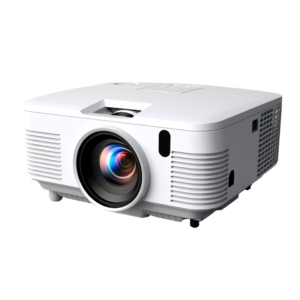
JMan does not travel with a LCD projector and we definitely need one. Important:The projector must have a minimum on 3000 Lumens in order to be bright enough for the audience.

cart

Audio Video Cart or Table

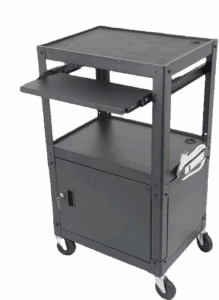
AV Cart: Stable, moveable base for projector


Sound Requirements

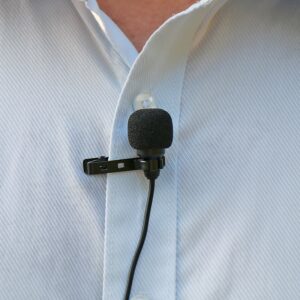
Wireless (TIE CLIP/LAV) microphone (See above for picture)

Mini-jack cable (image above) into the room sound system so that audio can play.

Room Seating Configuration

Theater style for large rooms. If we know the count ahead of time then let’s please remove any extra chairs. When it comes to seating, the closer the better. They can feel the energy better if they are close together and will have much better experience if there are no open seats.

Stage Area

Please be sure that any lectern or podium that is used for announcements or introductions is set back as least 4 feet back on stage right or left. NOT Center. We are not the kind of speaker who stands behind it and need to walk in front of it.